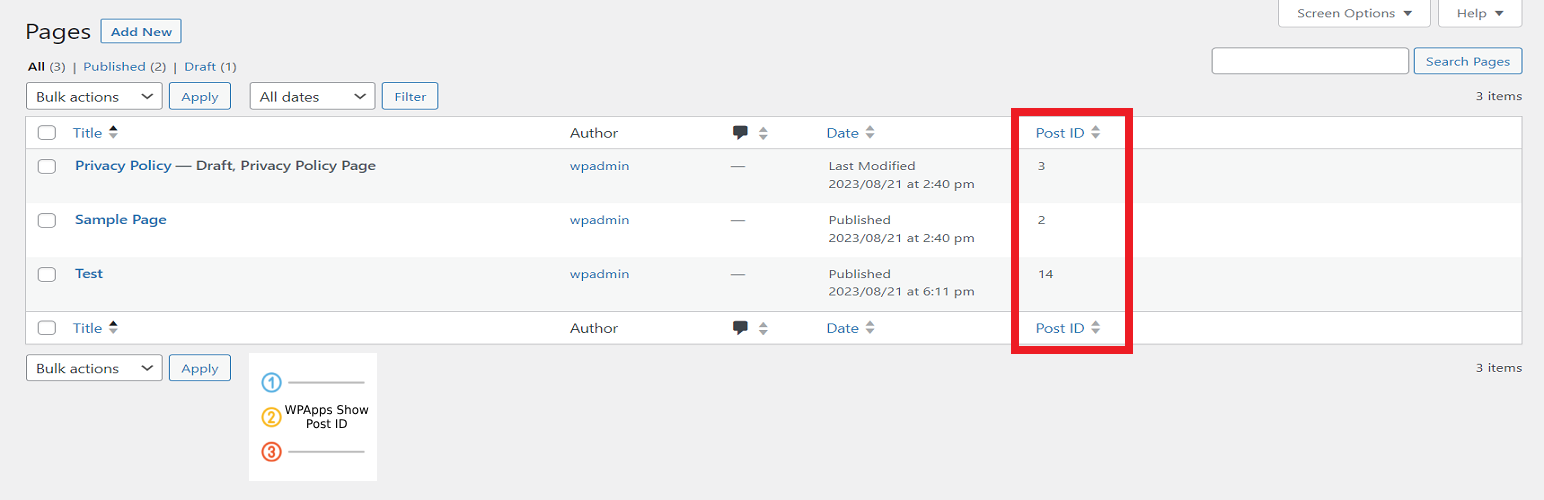
Show Post ID with Sorting introduces a helpful new column in your WordPress admin dashboard, displaying the unique Post ID for all posts, pages, and custom post types. It enables you to sort your content by Post ID, bulk copy multiple IDs, and view the Post ID while editing or even directly from the frontend.
This is ideal for users who need quick access to Post IDs for custom queries, shortcodes, or troubleshooting.
Key Features:
- Adds a sortable Post ID column to the Dashboard for Posts, Pages, and Custom Post Types
- Bulk copy Post IDs with a simple action
- Displays the Post ID next to the Edit Page/Post title
- Shows the Post ID in the WordPress admin bar on the frontend while viewing content
This plugin is perfect for developers, content managers, or anyone needing an easy way to view and use Post IDs without diving into the code.
Screenshots
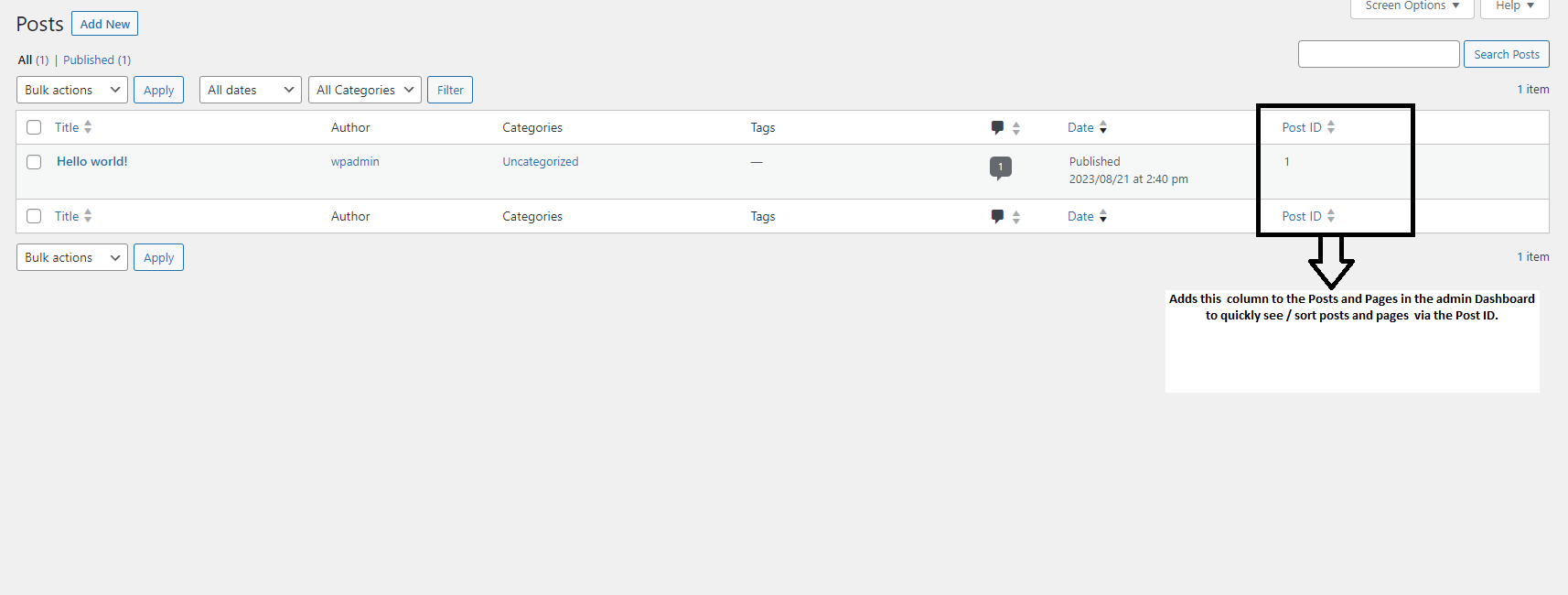
Displaying the Post ID column in the Posts/Pages list.

Post ID visible in the WordPress admin bar on the frontend.

Bulk copy Post IDs from the list by selecting posts and choosing the 'Copy Post ID' action.

Post ID visible next to the Edit Post/Page title in the dashboard.