WPMove Migration Connector exports the posts, pages and custom post types of a WordPress site to a portable .json file, and imports such a file into another site. It runs entirely on your own server — no sign-up, no API key, and no external service is contacted.
- Export the posts, pages and custom post types of this site to a portable file you download.
-
Import a previously exported file into another WordPress site. Imported items are added as new posts — nothing existing is overwritten or deleted.
-
Receive a direct migration. Another WordPress site you control can send content to this site, or read content from it, without any file changing hands.
Text, public custom fields and taxonomy terms (categories, tags and custom taxonomies) travel with each post. An optional export setting preserves the full taxonomy structure — all terms with their descriptions and parent-child hierarchy — so the target site is ready before posts are imported. The plugin is fully functional on its own, with no account required.
When it receives a direct migration, this plugin also accepts the custom fields that the REST API normally leaves behind — Elementor layouts, ACF fields, SEO metadata — which are otherwise lost in transfer. The other site does the work; this one only answers, and only to requests carrying a valid WordPress application password for an account allowed to edit the content concerned.
Need to migrate directly between two live sites, with media?
Moving content as a file is perfect for a one-off transfer. If you instead need to copy content directly between two running WordPress sites over their REST APIs — including media (featured images and inline files), import from or export to another site (pull/push), post-by-post selection and resumable runs — there is a separate premium add-on, WPMove Migration Connector Premium, available from wpmove.app. It pairs with a wpmove.app account and is the practical option when one of the two sites cannot be reached from the internet (localhost, a firewall, a private network). The premium add-on is optional and is not required to use this free plugin.
Features
- Free, offline export of posts, pages and custom post types to a portable file.
- Free import that appends content — no overwrite, no ID conflicts.
- Public custom fields and taxonomy terms included.
- Optional: export the full taxonomy structure (all terms with descriptions and parent-child hierarchy) so it is recreated correctly on import.
- Optional at import: the source site’s settings (homepage, icon, title, formats…) and its menus — navigation and classic menus, with their links pointed at the imported content.
- Optional at import: its widgets, into the widget areas this site’s theme also has and that are still empty, with their menus, images and links pointed at what this site has.
- No account, no API key, no external connection.
External services
This plugin contacts no external services. It never sends your data anywhere on its own, and requires no account.
It does expose an authenticated endpoint under /wp-json/wpmvc/v1/ so that another WordPress site you control can migrate content to or from this one. Any such traffic happens only between your own sites, at your initiative, and only with a valid application password.
Screenshots
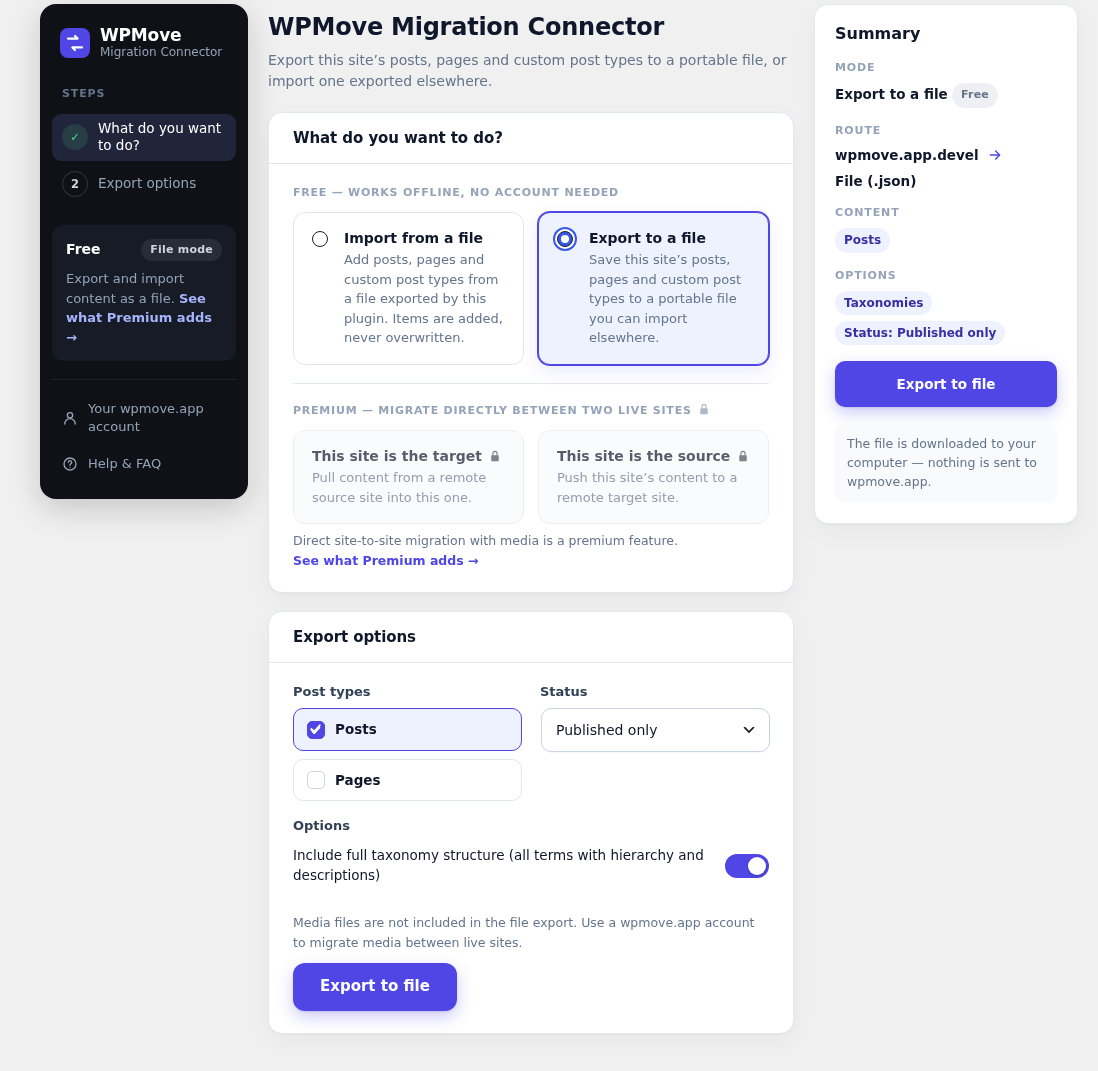
Export to file: choose post types and status, then download a portable .json file. No account needed.
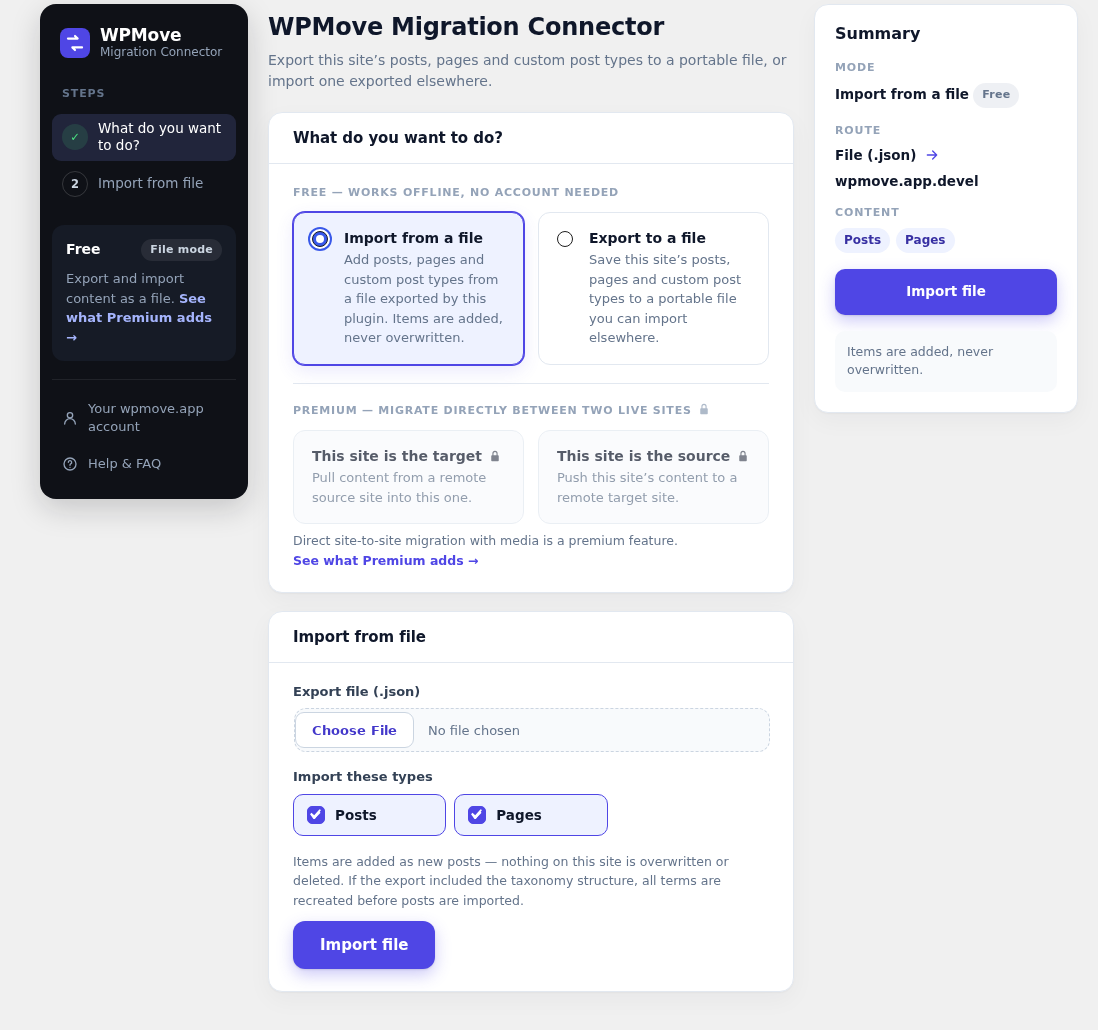
Import from file: upload a previously exported file and add its posts. Nothing is overwritten.