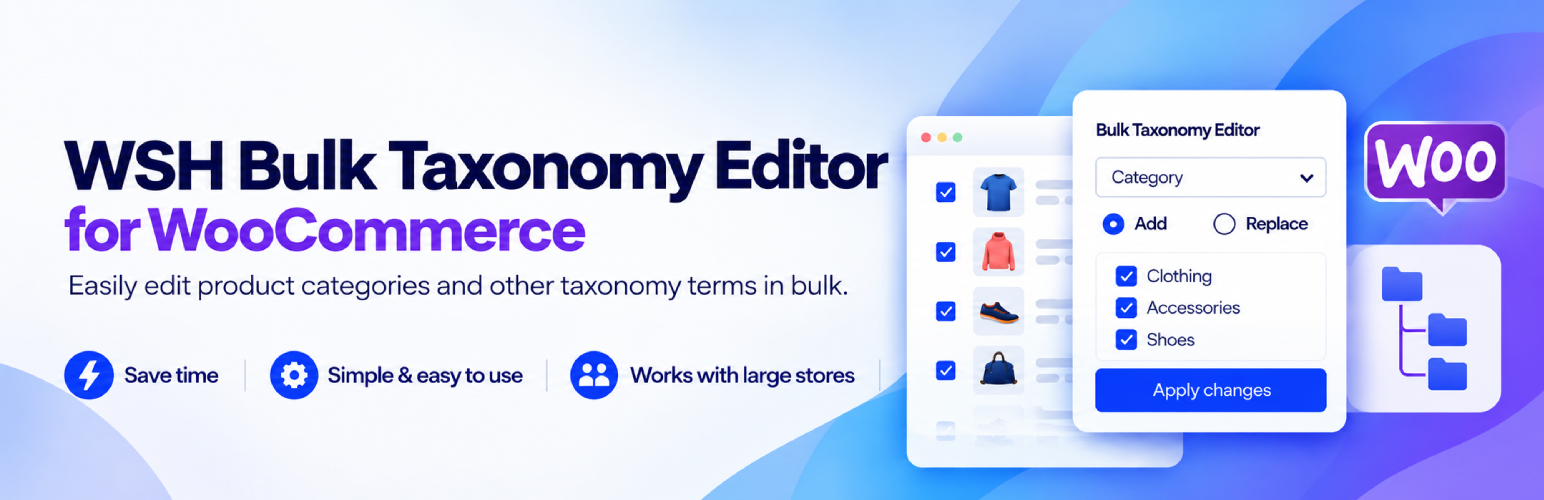
WSH Bulk Taxonomy Editor for WooCommerce updates product categories for the products you select in WooCommerce > Products.
Choose products, pick categories, preview the result, then apply the change in batches. The preview uses the same Add and Replace rules as Apply. Nothing is saved during preview.
This plugin edits product categories (product_cat) on the product itself. It does not edit product tags, attributes, or brands.
What you can do
- Run it from the Products list bulk-actions menu.
- Add categories without removing the ones already assigned.
- Replace categories with the ones you select. If you select none, Apply asks you to confirm before it clears categories.
- Search the category checklist, including child categories.
- Preview the first 50 selected products. Apply still updates every selected product.
- Process updates in batches of up to 200 products per request.
- Clear the WooCommerce product cache after a successful update.
There is no product-count limit and no license check in this plugin.
Products and variations
Categories belong to the product, not to a variation. If a variation ID is submitted, the change is saved on its parent product. The same parent is only written once in a batch.
Screenshots
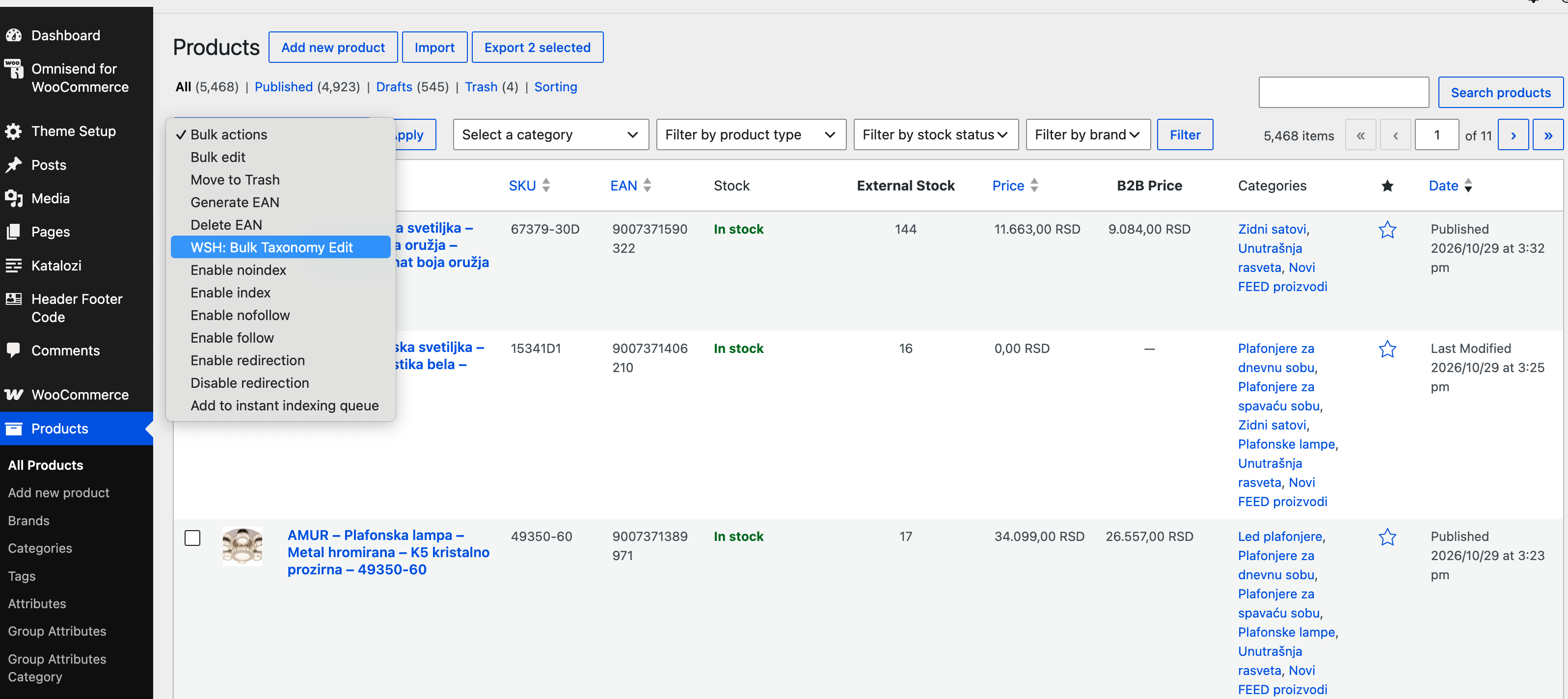
The Products list bulk action, WSH: Bulk Taxonomy Edit.
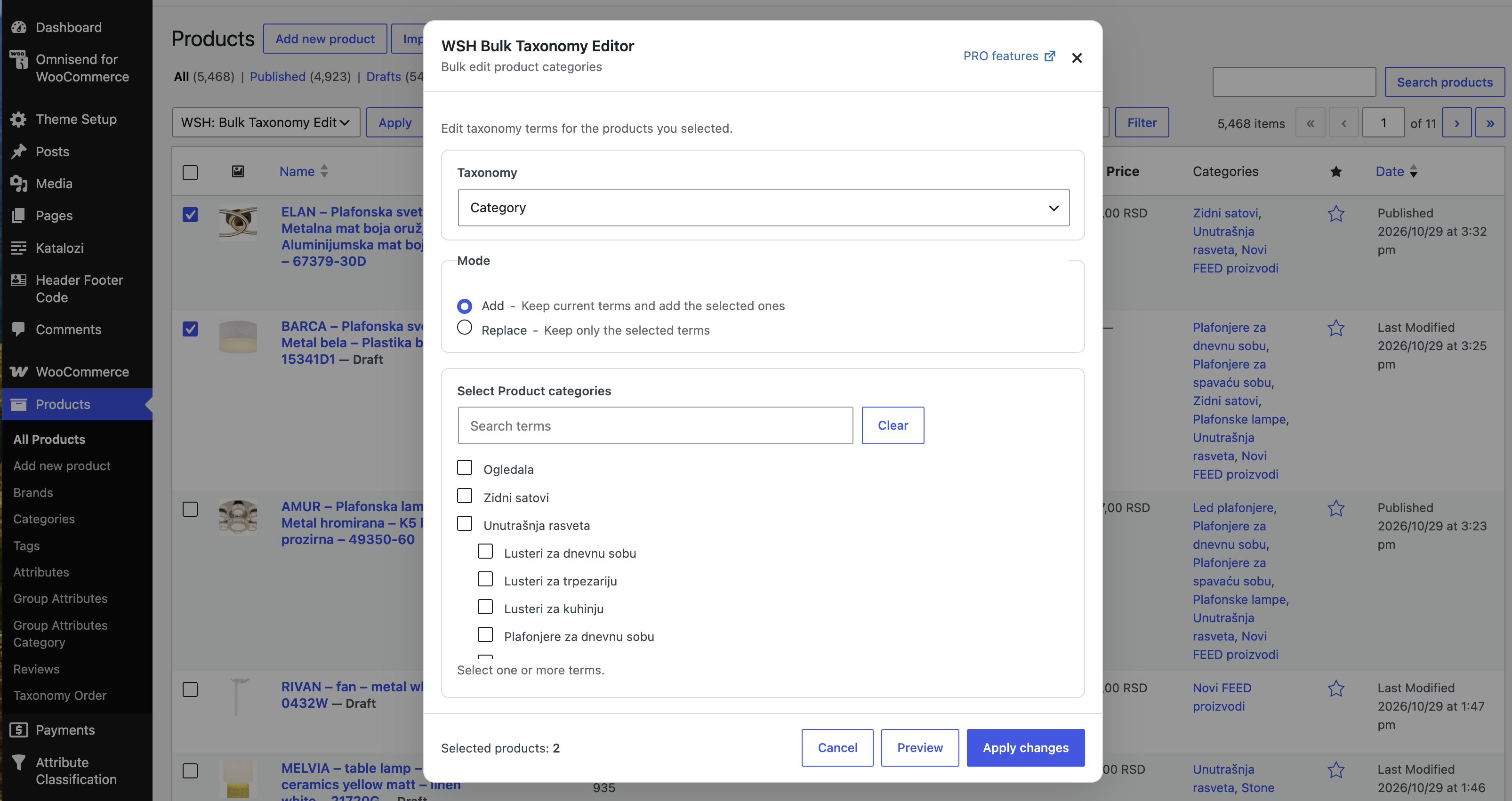
The category editor, with Add and Replace.

Preview of the selected products before anything is saved.