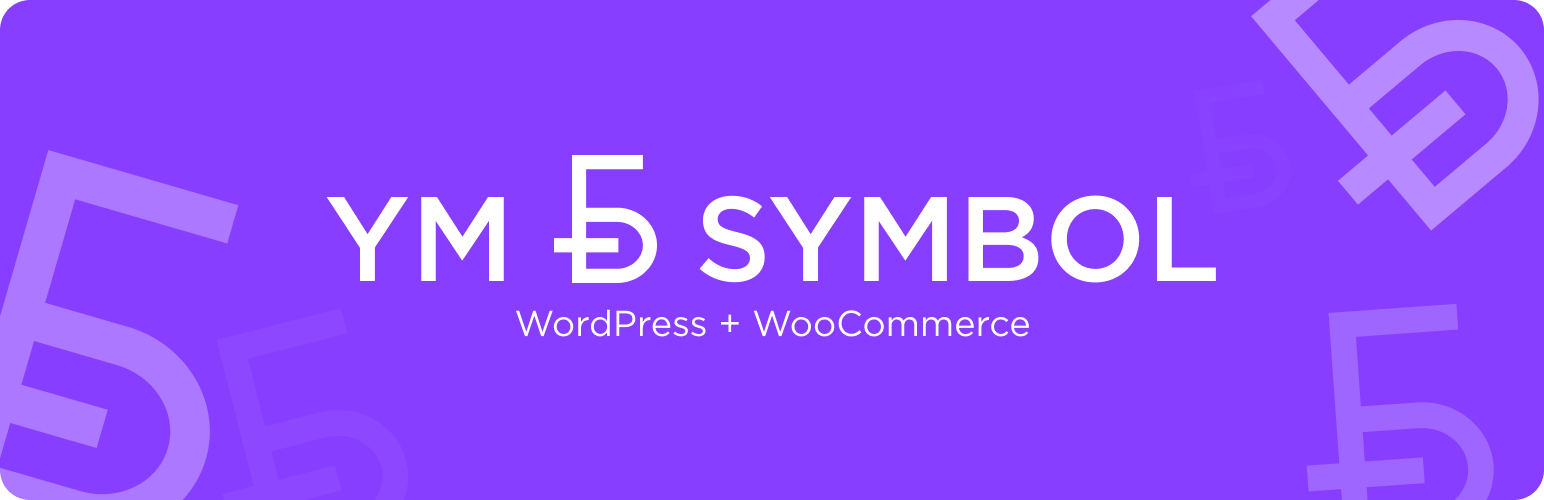
In early 2026, the National Bank of the Republic of Belarus approved a new currency symbol for the Belarusian ruble. This plugin lets you display it on your WooCommerce store (and beyond) in just a few clicks.
This plugin requires no special skills or customizations and has absolutely no impact on your site’s performance.
Advantages
- Lightweight, Simple, and Flexible
- Uses Official Assets
- Optimized for Search Engines
- Optimized for Multi-Currency Websites
- Compatible With or Without WooCommerce
- No Ads or Promos
How to Use?
Using WooCommerce? Simply pick “Belarusian Ruble” in your currency settings, activate YM BYN Symbol, and you’re all set — the new symbol appears automatically across the entire site.
Manual Use
You can also use the symbol manually – add the ym-byn-symbol class to any element with the “BYN” string. For example:
<span>10 <span class="ym-byn-symbol">BYN</span></span>
In the admin panel, just use the “ƃ” symbol:
<span>10 ƃ</span>
On the frontend, for elements containing more than just the “BYN” string (e.g., <select>), use the “ƃ” symbol instead of “BYN”, manually set the currency font family via CSS and include your site font (the --your-site-font-family variable is used in the example):
<select style="font-family: 'nbrb-b', var( --your-site-font-family )">
    <option>ƃ – BYN</option>
    <option>₽ – RUB</option>
</select>
Support
If you encounter any difficulties manually implementing the currency symbol on your site, please use the plugin’s support forum — I’ll be happy to help.
Screenshots

WooCommerce currency selection

WooCommerce status dashboard widget

Product cards

Single product page

Product cards with different price types