
Yoo Bar is a lightweight WordPress notification bar plugin that lets you create eye-catching announcement bars, promo bars, and sticky top/bottom bars in minutes — no coding required.
Use it to inform visitors about new posts, special offers, important updates, news, social links, ads, or promotions through a clean, floating notification bar.
Create single or multi-column bars and fill them with different elements: static text, a countdown timer, an address bar, a search box, social icons, custom images, and more. Every bar features a smooth sticky transition so it stays visible without disrupting your visitors’ experience.
With easy customization for text, colors, position, and visibility rules, you can design an attractive, on-brand notification bar for your WordPress site in just a few clicks.
Try the Demo | Premium version | Documentation
✅ Key Features of This Notification Bar Plugin
- Add a floating notification bar, announcement bar, or promo bar anywhere on your WordPress site
- Display your sticky bar at the top or bottom of the page
- Fully customizable colors, text, fonts, and call-to-action (CTA) buttons
- Set visibility rules to show your bar on specific pages, posts, or site-wide
- Lightweight, fast, and optimized for performance — won’t slow down your site
- 100% mobile-friendly and responsive design
- Simple setup with an intuitive, beginner-friendly interface
📌 Why Choose Yoo Bar for Your WordPress Notification Bar?
Boost visitor engagement, promote offers, collect leads, or deliver urgent announcements — all through a clean, unobtrusive sticky bar that grabs attention without disrupting the user experience. Whether you need a simple announcement bar or a feature-rich promo bar with a countdown timer, Yoo Bar has you covered.
🚀 How to Create a Notification Bar (Step by Step)
→ Install and activate the Yoo Bar plugin from your WordPress dashboard.
→ In your WordPress admin menu, go to Yoo Bar » Add New.
→ Enter a title for your bar (for your reference only).
→ In the message field, add your notification text, promo, or announcement.
→ Customize your bar:
- Choose the display position: Top or Bottom of the page.
- Set the background color, text color, button color, and font size.
- Optionally add a call-to-action button with a link.
→ Decide where the bar will appear: show it on all pages, or select specific pages/posts.
→ Click Publish to activate your new notification bar.
That’s it — your floating bar is now live on your site! 🎉
🎯 Display Your Bar in Specific Locations
♦ In your WordPress admin dashboard, go to Yoo Bar » All Bars.
♦ Click Edit on the bar you want to manage.
♦ Scroll down to the Display Settings / Visibility Rules section.
♦ Choose your preferred display option:
- Show on all pages
- Show on specific pages, products, or posts
- Show on specific post types
♦ Click Update to save your changes.
Your notification bar will now appear only where you’ve specified — giving you precise targeting for promotions, announcements, or alerts.
🌟 Exclusive & Unique Elements
-
Static Content Bar — Create a notification bar, banner, or ad with text, images, or a logo. Add buttons that link visitors straight to an offer, usable in your site’s top or footer bar.
-
Social Icons — Social icons on your website boost credibility and engagement. Place them in your top or bottom bar, or drop them anywhere on the page via shortcode.
-
Address Bar — A visible business address builds trust and improves local credibility. Display it in your top or bottom bar, or place it anywhere via shortcode.
-
Search Box — Let visitors quickly find what they’re looking for right from your sticky bar. A fast, built-in search box improves user experience and keeps visitors on your site longer. Shortcode support included.
⚙️ Additional Features
-
Fixed / sticky bar animation — Keep your top bar (header) or bottom bar (footer) visible on screen as visitors scroll. Demo
-
Column customization — Add single or double columns to a bar, so two different elements can display at once. Demo
-
Column positioning — Control how the two columns align: center, space-evenly, space-around, flex-start, flex-end. Demo
💎 Premium Features
Countdown Timer — A live countdown clock that creates urgency and drives conversions. Perfect for flash sales, limited offers, or product launches.
Circular Timer Demo | Square Timer Demo | Flipping Timer Demo
News Ticker — Scroll your latest content, products, or services across the bar to increase visibility and keep visitors informed.
Carousel — A rotating slideshow of images or content inside your bar — a dynamic way to highlight offers, articles, or products.
Typing Text Animation — Make your announcement bar text appear letter by letter for a dynamic, attention-grabbing effect. Great for titles, taglines, or promotions.
Logo Slideshow Bar — Showcase partner or brand logos in a rotating slideshow — ideal for trust badges, sponsors, or featured brands.
Text Slideshow — Cycle through multiple messages, quotes, or announcements in your bar instead of showing just one line at a time.
Popup Section — Trigger a popup video, form, or custom content from your notification bar to capture attention the moment visitors land on your site.
Nav Bar with Ajax Cart Button — Add a navigation menu with a live Ajax cart button to your bar, so ecommerce visitors can track their cart without leaving the page.
▶️ Preview Yoo Bar
🔒 Privacy
This plugin does not connect to any third-party applications. It does not collect or store any user information.
💬 Feedback
Your suggestions and feedback help us improve. Share your experience via support, and if you enjoy the plugin, please leave us a review — it really helps other users find this notification bar plugin!
Screenshots
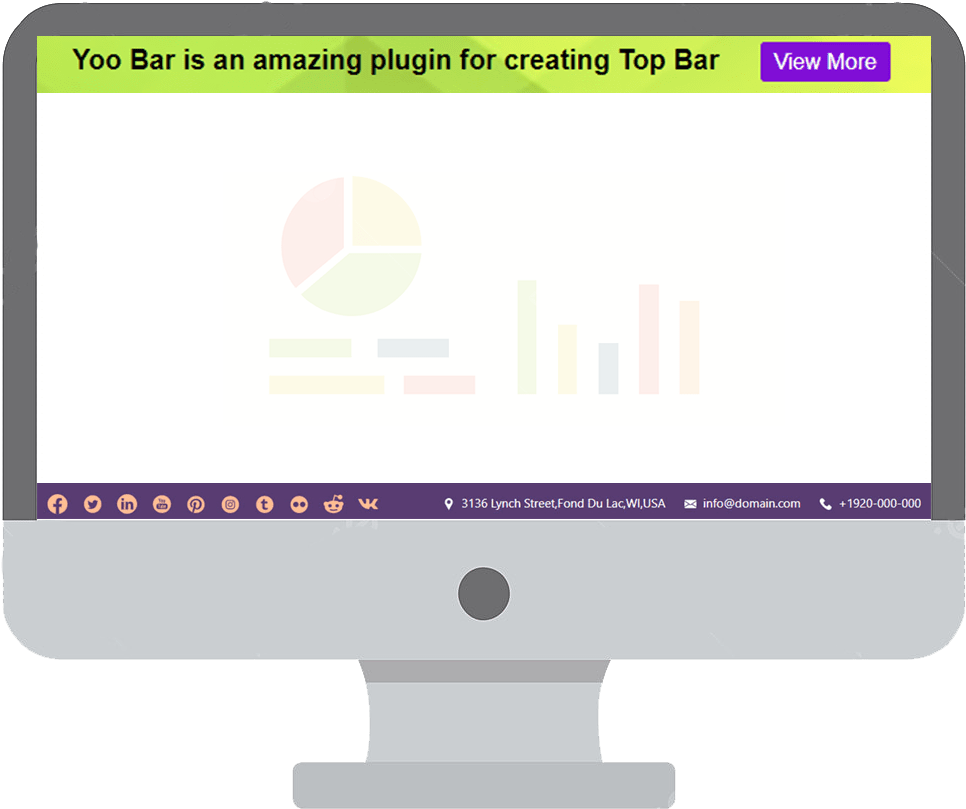
Yoo Bar notification bar displayed at the top of a website.
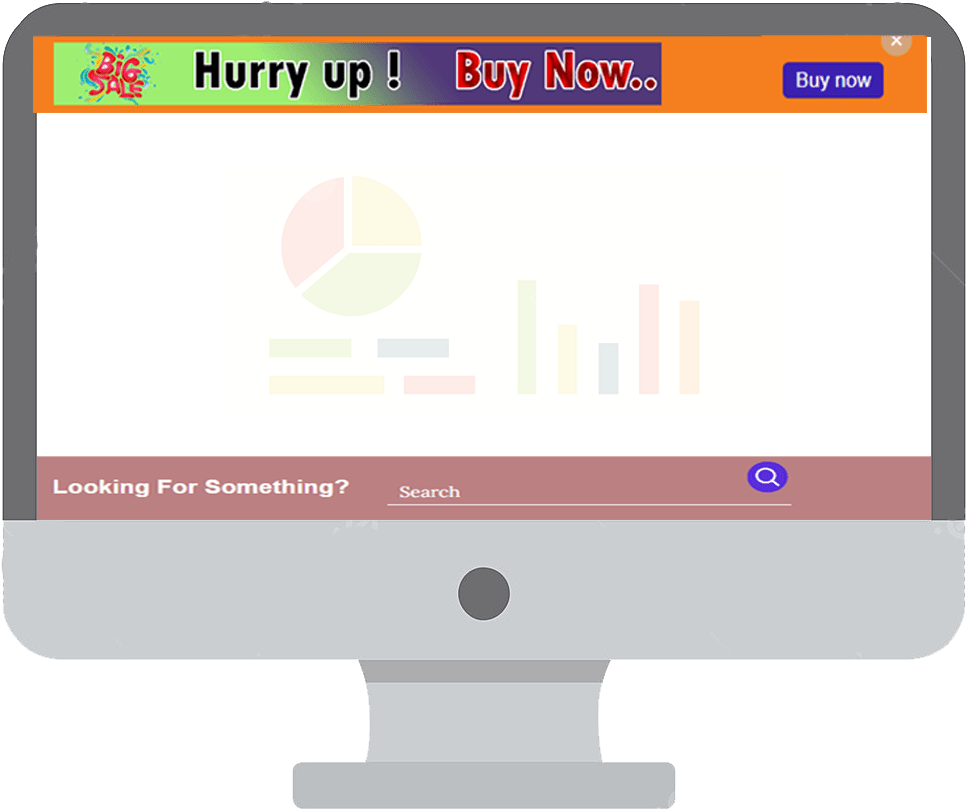
Sticky promo bar shown at the bottom (footer) of a page.
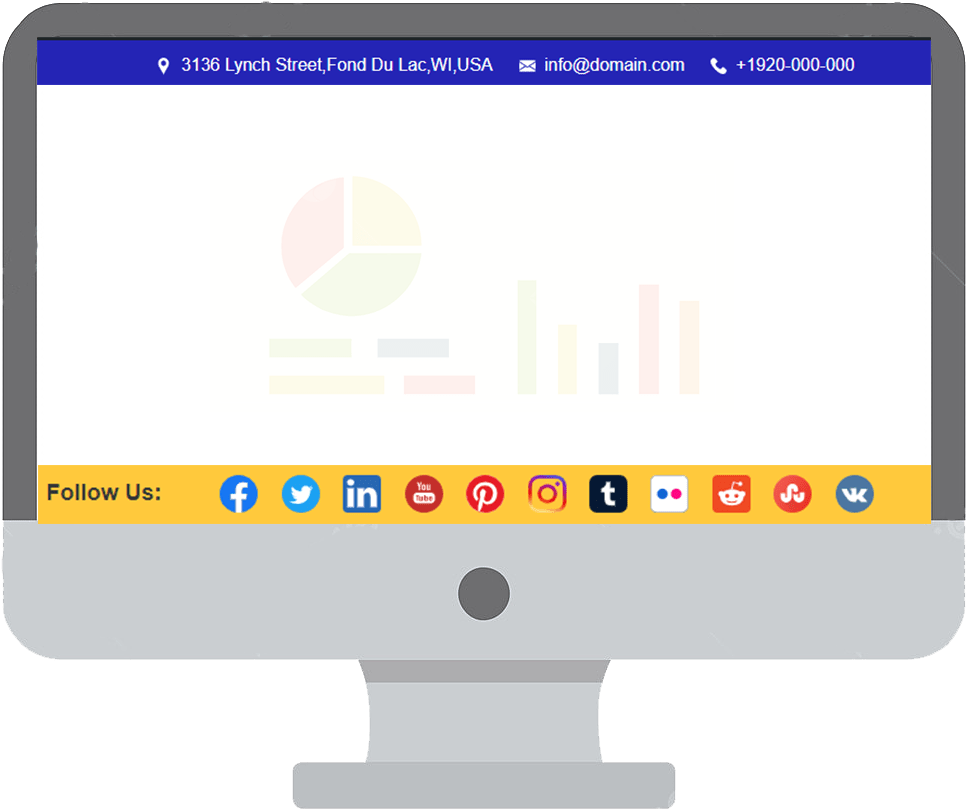
Announcement bar with a call-to-action button in action.
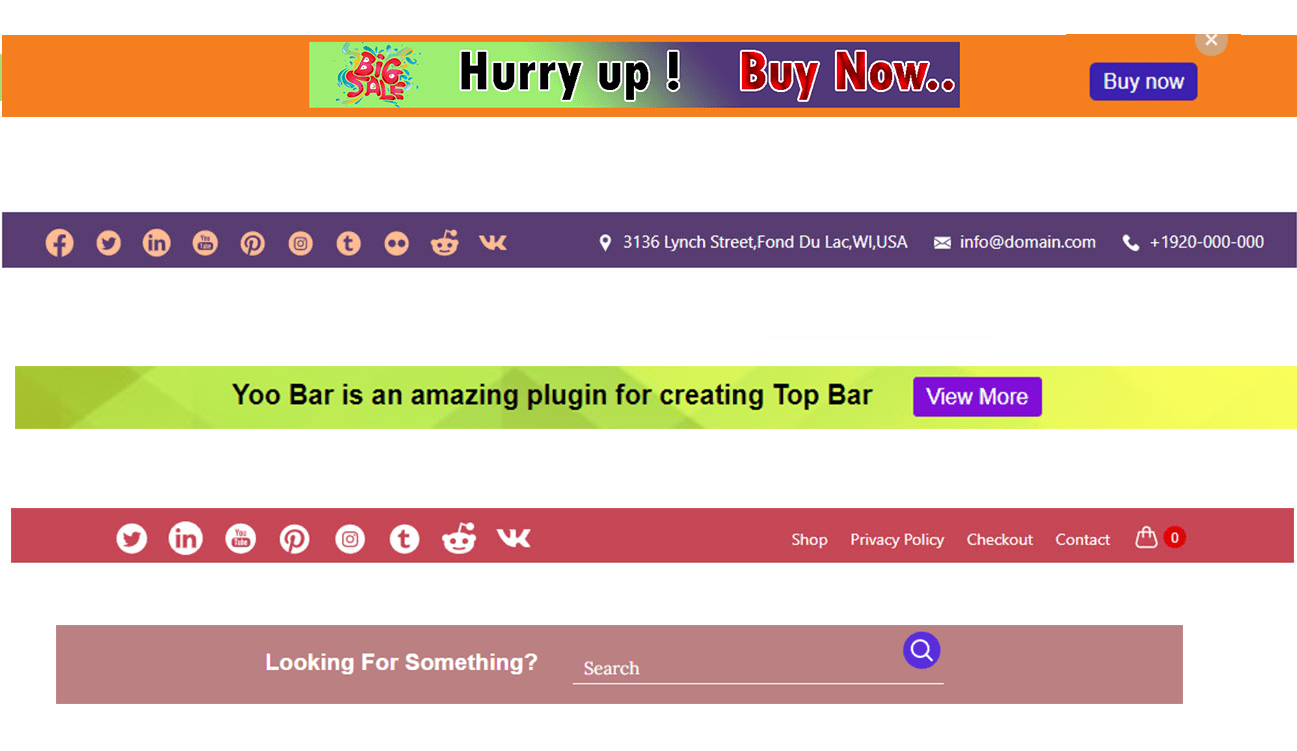
Available Yoo Bar elements — text, buttons, icons, and more.

Yoo Bar running live on a real WordPress website.

Yoo Bar settings page in the WordPress admin dashboard.

Display and visibility rule settings.

Column layout and positioning settings.