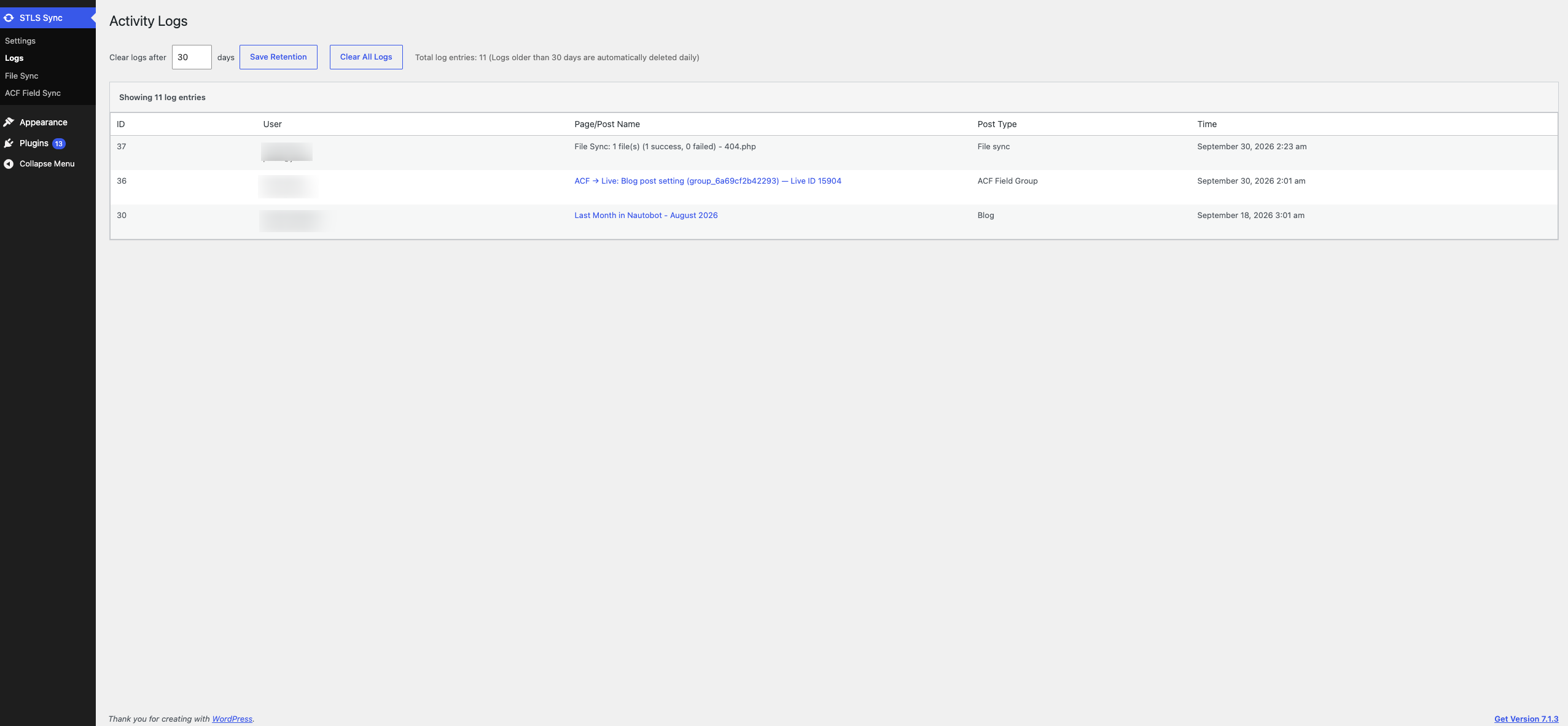
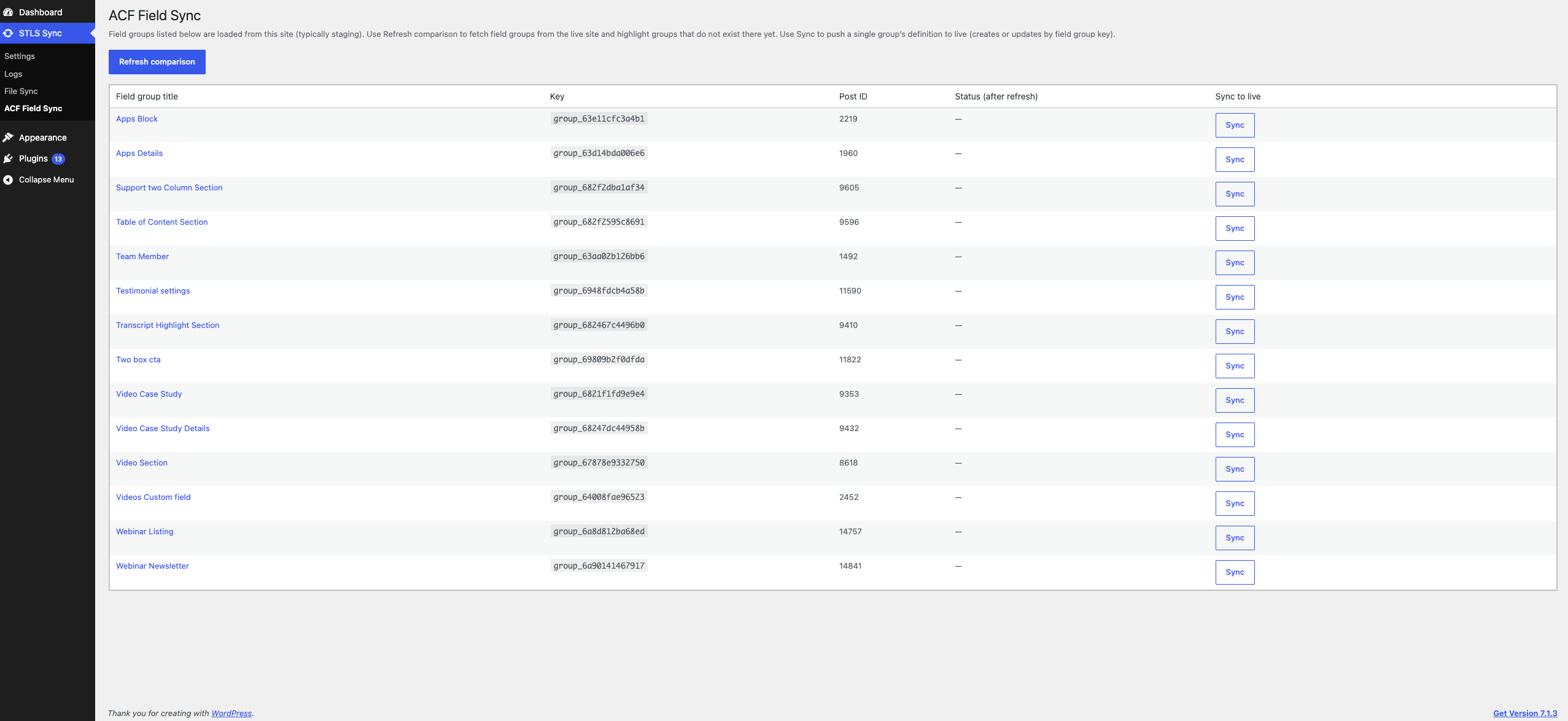
York IE Content Sync copies a single post, page, or custom post type from the site you are editing (staging) to another WordPress site you control (live).
Both sites need this plugin active. On staging, a Sync link is added to each row in the posts list. Confirming the sync sends that item to the live site.
ACF, Elementor, and WPBakery are optional. You choose one page builder mode in settings (or ACF blocks only). The plugin does not require those plugins to be installed; when one is active and selected, sync includes its data.
What is copied:
- Title, content, excerpt, status, slug, and dates
- Custom post meta
- ACF field values and ACF blocks
- Elementor data, when Elementor is the selected page builder
- WPBakery content and referenced images, when WPBakery is the selected page builder
- Taxonomy terms
- Featured image and other media referenced by the content
- Selected theme and plugin files, when file sync is enabled
The live site address, API keys, page builder, and an optional SFTP fallback are set under STLS Sync.
File and theme sync to the live site requires a configured Live API Key on both sites; sync REST endpoints reject requests when no key is saved.
API keys and the SFTP password are encrypted before they are stored in the database.
External services
This plugin does not call a hosted service of its own. It only talks to servers you configure:
- Live site. Staging sends the item being synced (content, meta, media, and any files you chose) over HTTPS to the live site URL in the plugin settings. The live site must have this plugin active. Requests are authenticated with the API key you generate.
- SFTP fallback (optional). If a file cannot be written over HTTP, the plugin can upload it to the SFTP host, port, username, and password you enter under Settings. Those credentials are stored encrypted on your site and are sent only to that host.
SSL certificate verification is enabled for these requests. It is skipped only when the site environment is local or development, when the host is a local development hostname, or when the STLS_DISABLE_SSL_VERIFY constant is set. The stls_remote_request_sslverify filter can override that decision.
Diagnostic messages are written to the PHP error log only when WP_DEBUG is true.
Screenshots