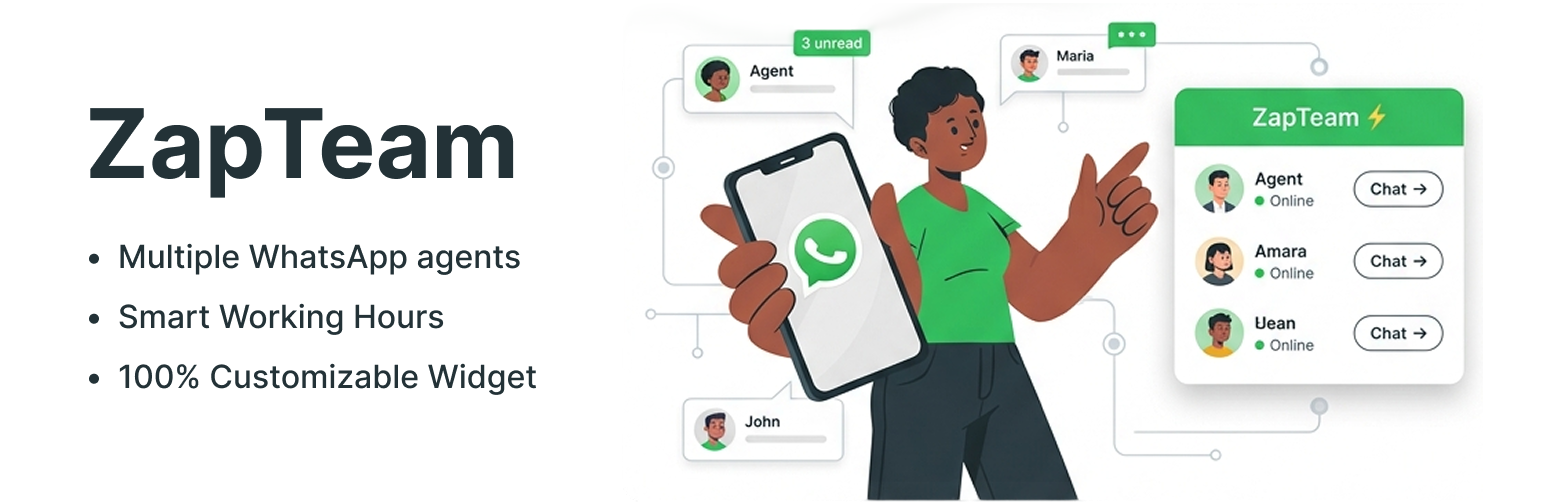
ZapTeam adds a floating WhatsApp chat button to your WordPress site. When a visitor clicks it, a small window lists the people on your team (sales, support, billing, whoever you add) with their photo, role and their own WhatsApp number. The visitor picks someone and WhatsApp opens with a message that already says which page they were on.
If you work alone, you can turn the window off and send every click to a single number.
You don’t need an account, an API key or a paid plan. The plugin uses the regular WhatsApp click-to-chat links (wa.me), so it works with WhatsApp and WhatsApp Business, on the phone or on WhatsApp Web.
Working hours for each agent
Every team member can have a schedule: every day, Monday to Friday, or different hours for each day of the week. Outside those hours the person shows as offline, so customers can see who is around before they write. ZapTeam uses the timezone from your WordPress settings.
What you can set up
- Up to 10 agents, each with name, role, photo and WhatsApp number.
- A pre-filled message with
{site},{title}and{url}, so you know which page or product the customer was looking at. Each agent can have a different message. - Button color, size, position (bottom left or bottom right) and distance from the edge.
- Four animations to catch the eye: Pulse, Focus Ring, Satellite and Multicolor.
- A red notification badge and a short label next to the button, like “Need help? Chat with us”.
- Popup title, subtitle, colors, width and corner radius.
- Show the button on mobile, on desktop or on both.
- A delay before the button appears.
Lightweight and private
On the front end ZapTeam loads one small CSS file and one plain JavaScript file. It doesn’t use jQuery, doesn’t call external servers and doesn’t track or store anything about your visitors. The conversation happens in WhatsApp, between the visitor and your team.
Try it first
Click Live Preview at the top of this page. It opens a demo site with ZapTeam already set up, so you can click the button and see how it behaves.
Em português
O ZapTeam coloca um botão flutuante de WhatsApp no seu site WordPress. Quando o visitante clica, abre uma janela com a sua equipe de atendimento (vendas, suporte, financeiro), cada pessoa com foto, cargo e o próprio número de WhatsApp. O visitante escolhe com quem quer falar e a conversa abre no WhatsApp com uma mensagem dizendo de qual página ele veio.
Cada atendente pode ter horário de atendimento. Fora do horário ele aparece como offline sozinho, e o cliente já sabe quem está disponível antes de mandar mensagem. Se você atende sozinho, dá para desligar a janela e mandar todo mundo direto para um número só.
Não precisa de cadastro, API nem plano pago. O plugin já vem 100% traduzido para o português do Brasil. Para configurar, vá em Configurações > ZapTeam depois de ativar.
Screenshots

Visitors choose who to talk to. Each agent has their own WhatsApp number.

Working hours: each agent goes online and offline on their own schedule.

Button styles: color, notification badge, label and four animations.

The button and the popup on a phone.

Setup in three steps from the General tab.

Members tab: name, role, photo, WhatsApp number and schedule for each agent.

Button and Popup tabs: colors, size, position, texts and corner radius.