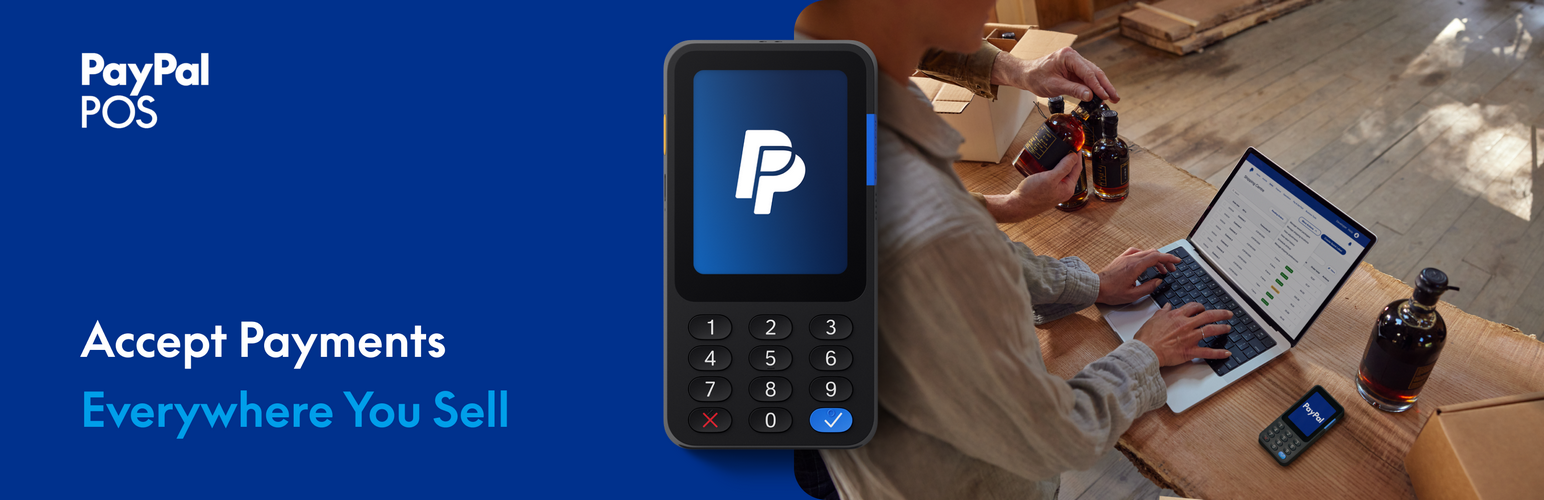
Run one shop, not two. PayPal POS for WooCommerce connects your WooCommerce store to your PayPal POS (Point of Sale) account, so the products you manage online are the same products you sell in person, with stock levels that stay accurate on both sides.
WooCommerce stays your single source of truth. You build and manage your catalog where you already work, push it to your PayPal POS product library, and start selling at the counter. When something sells, online or in store, inventory updates on the other side automatically. No spreadsheets, no double entry, no end-of-day stock surprises.
What you can do
- Connect in minutes. Link your WooCommerce store to PayPal POS and sync your product library through a guided onboarding flow.
- Send your catalog to the counter. Export a selection of products, or your entire catalog, from WooCommerce to your PayPal POS product library.
- Manage everything in one place. Edit products in WooCommerce and let your changes flow through to PayPal POS automatically.
- Keep stock accurate in real time. Stock changes sync both ways between WooCommerce and PayPal POS, so a sale on either side updates the other.
- Choose what syncs. Exclude individual products from sync when you want to keep them online only.
Built for omnichannel sellers
If WooCommerce is the heart of your business and PayPal POS is how you take payments in person, this plugin keeps the two in step. It focuses on what matters most when you sell across channels: one catalog and one accurate stock count, everywhere you sell.
About PayPal POS
PayPal POS is PayPal’s point of sale system for taking payments in person, with card readers, terminals, and the PayPal POS app. You will need an active PayPal POS account to use this plugin. PayPal POS does not process payments through this plugin; payments are taken on your PayPal POS hardware and app.
PayPal POS is available in the following countries: US, GB, FR, SE, NO, FI, DK, NL, DE, ES, IT, BR, MX
Screenshots

Take payments in person with PayPal POS while you manage everything in WooCommerce.

Connecting your store to PayPal POS, step 1.

Connecting your store to PayPal POS, step 2.

Connecting your store to PayPal POS, step 3.

Connecting your store to PayPal POS, step 4.

Syncing your product library to PayPal POS.

WooCommerce connected to PayPal POS.

Excluding a product from sync.
